Genova
Menu Items
Creating and Managing Menu Items: A Step-by-Step Guide
This guide provides a comprehensive walkthrough of the process for creating and managing menu items within the system. Each step includes a screenshot to aid in navigation and understanding. Follow these instructions carefully to ensure accurate completion of each task.
Start url: http://localhost/vanguard-genova/cia/admin
Tab Name: List Menu Items - GENOVA INSURANCE
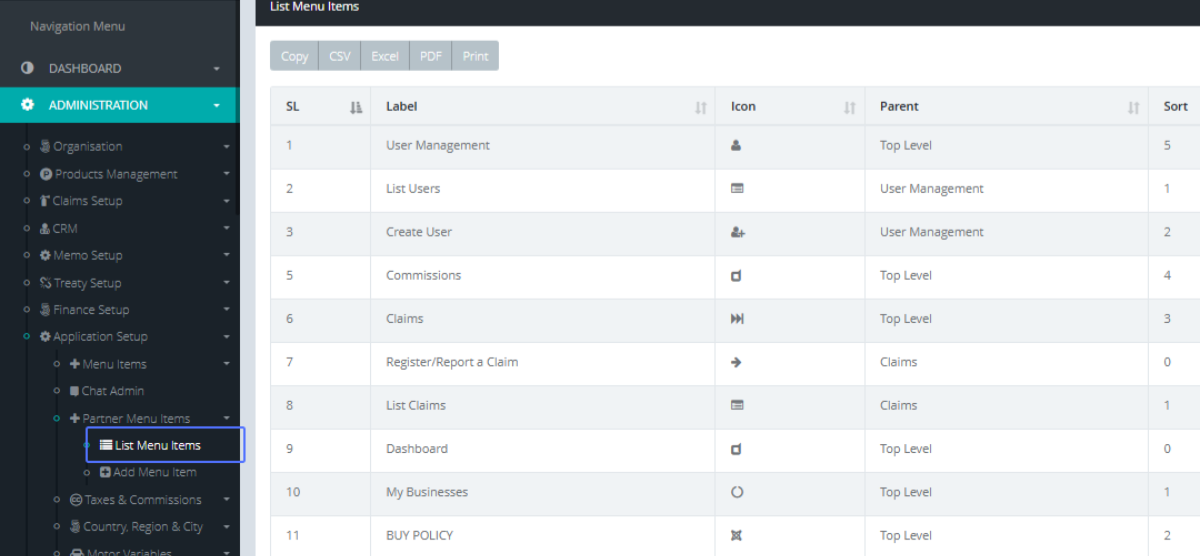
Click on the link "List Menu Items"
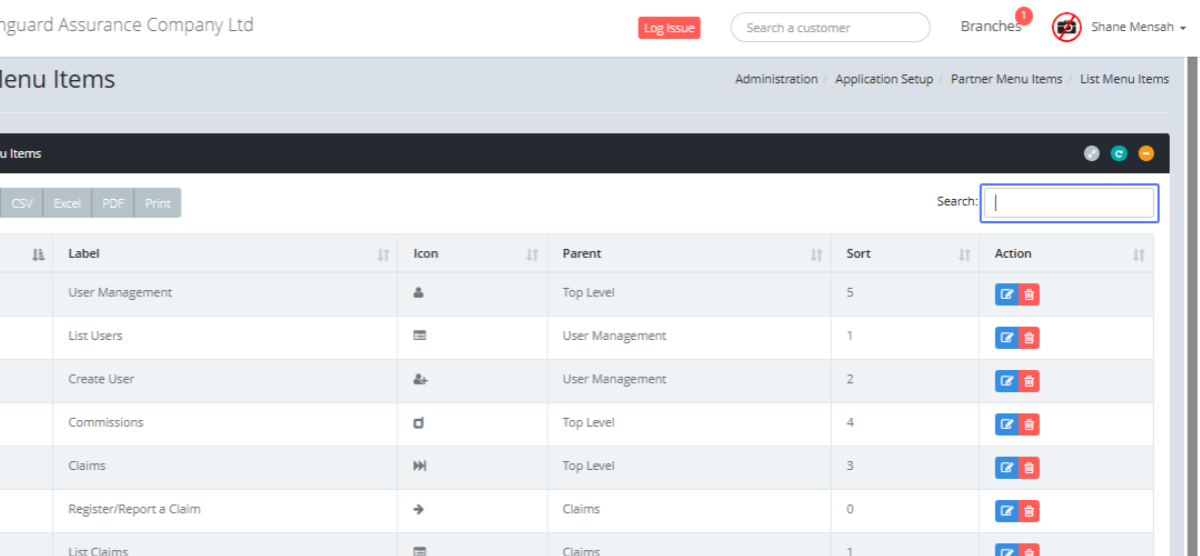
Click on the input "Search:"
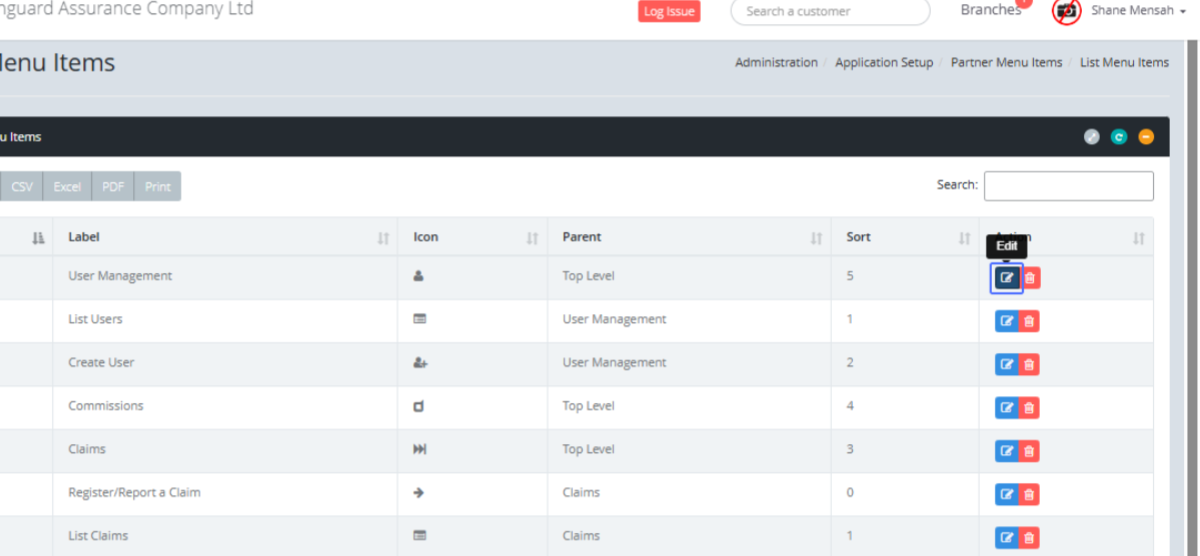
Click on the link "Edit"
Tab Name: Add Menu Item - GENOVA INSURANCE
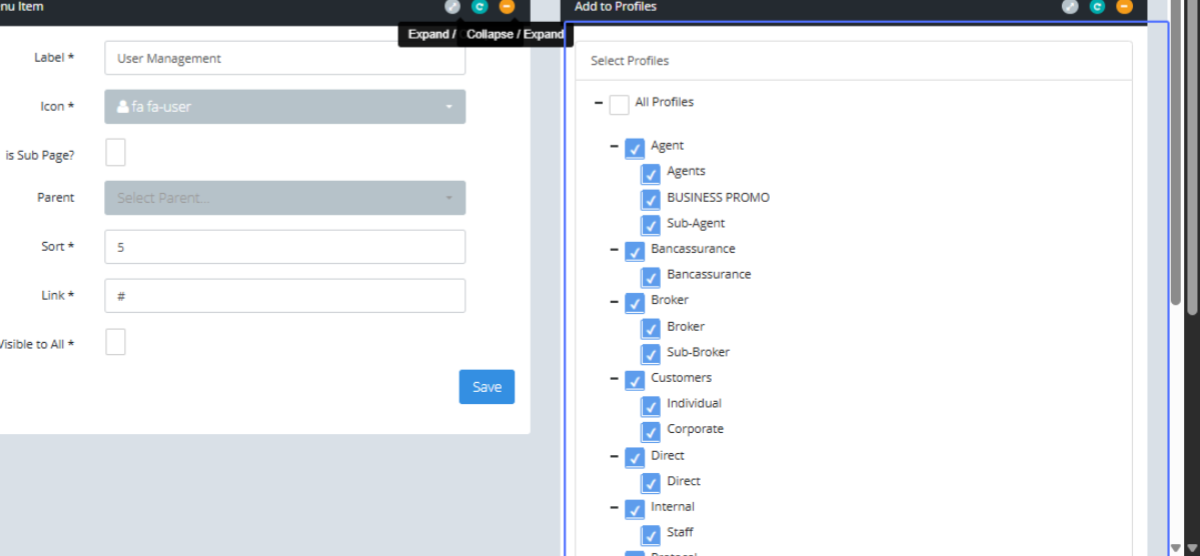
Click on "Add Menu Item Label * Icon * fa fa-user fa fa-500px fa fa-address-book fa fa-address-book-o fa fa..."
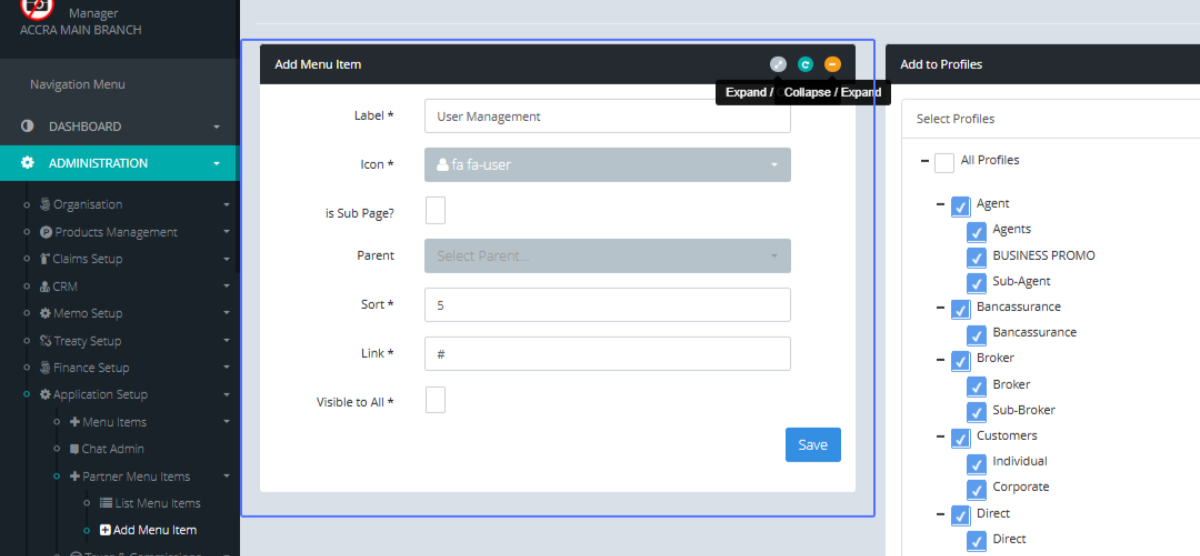
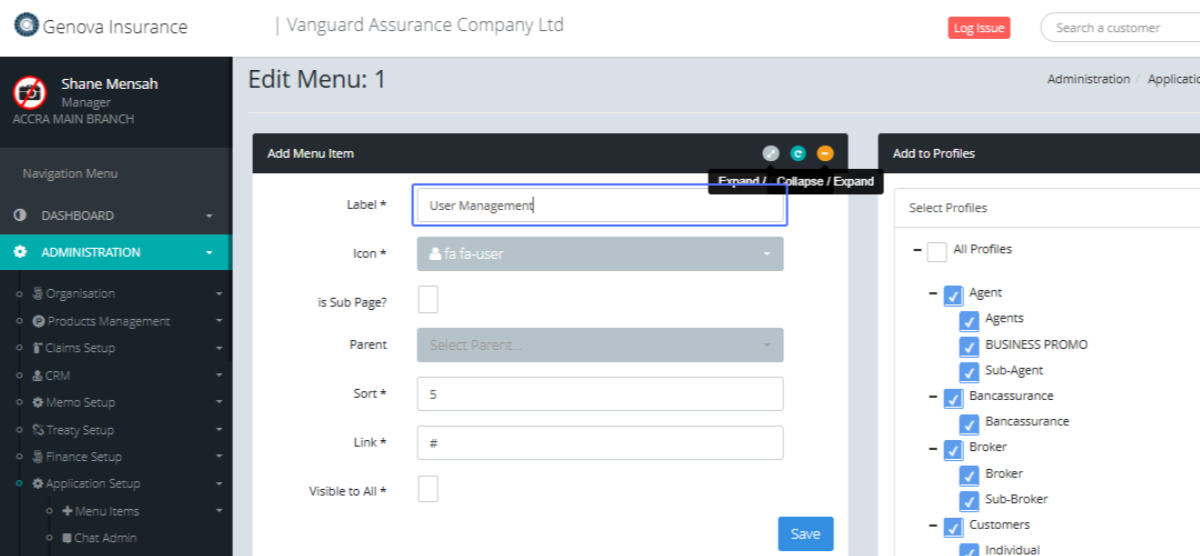
Click on the input
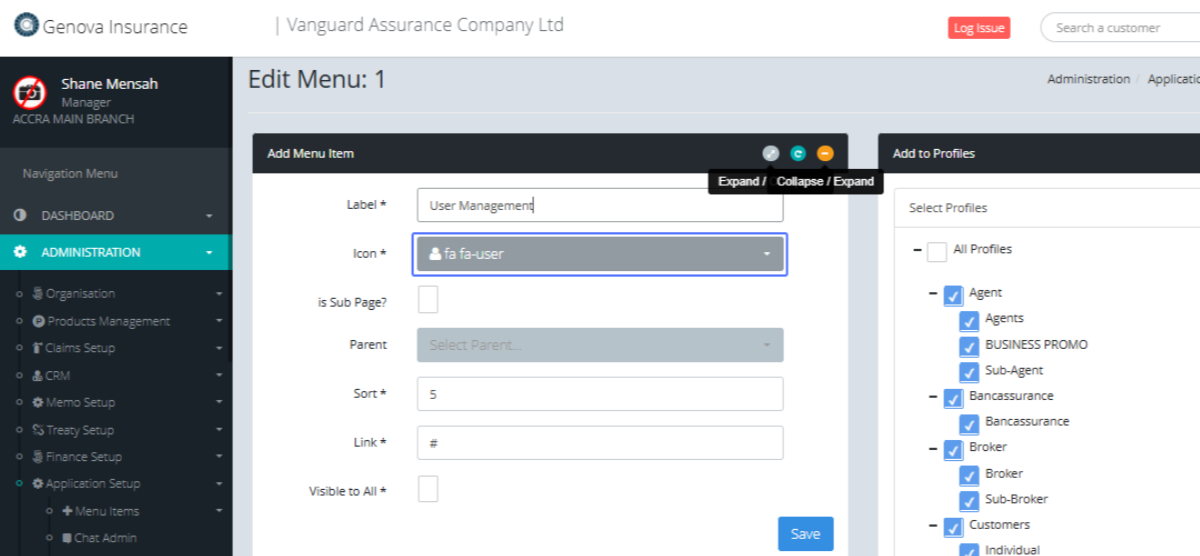
Click on the button "fa fa-user"
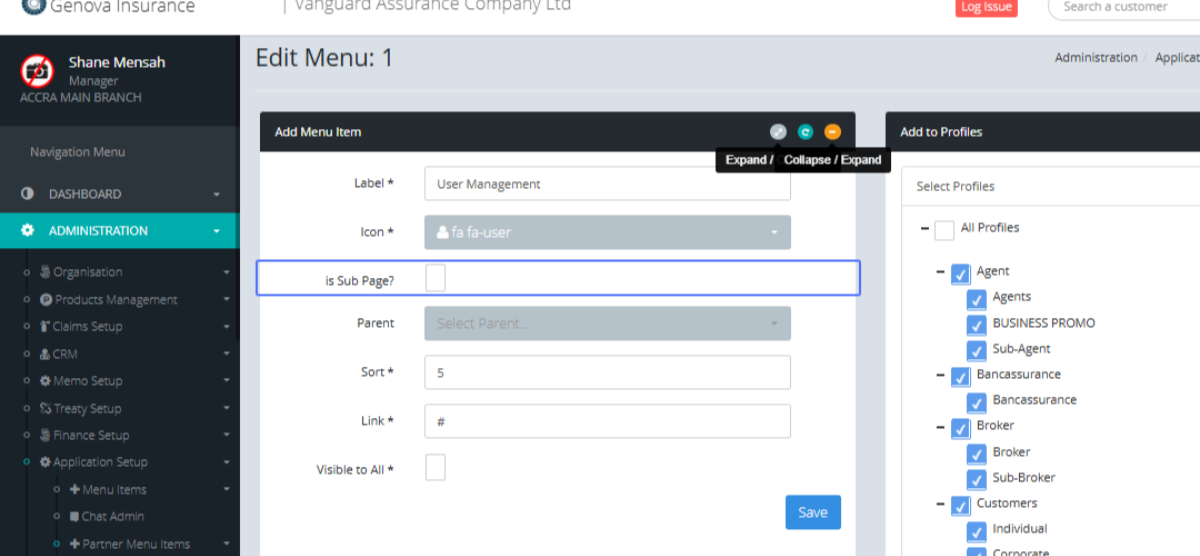
Click on "is Sub Page?"
Click on "Select Parent... Select Parent... Create User List Users List Claims Commissions Dashboard My Busi..."
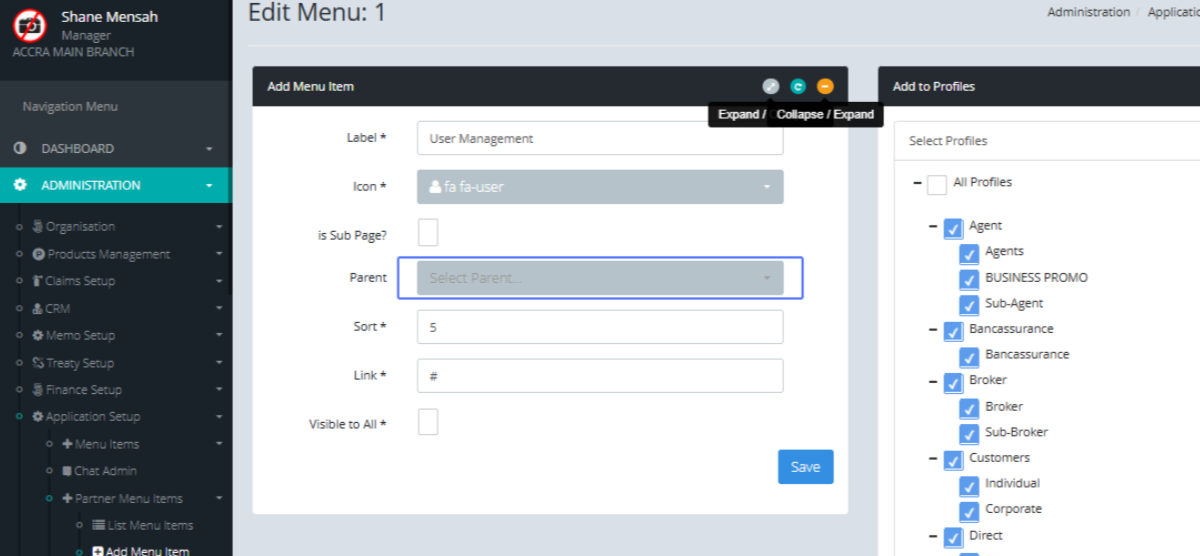
Click here
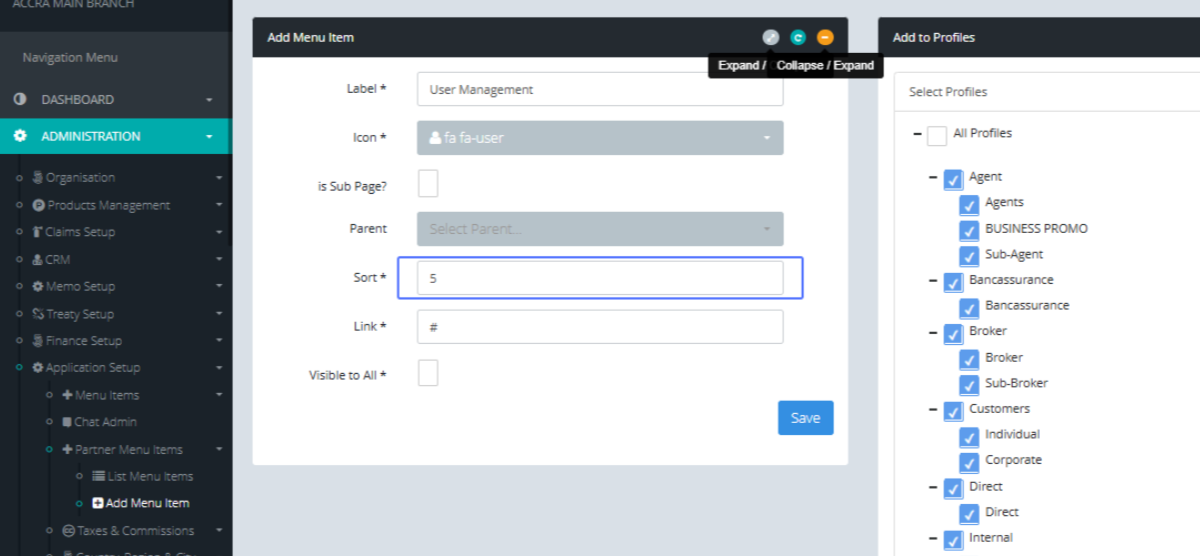
Click here
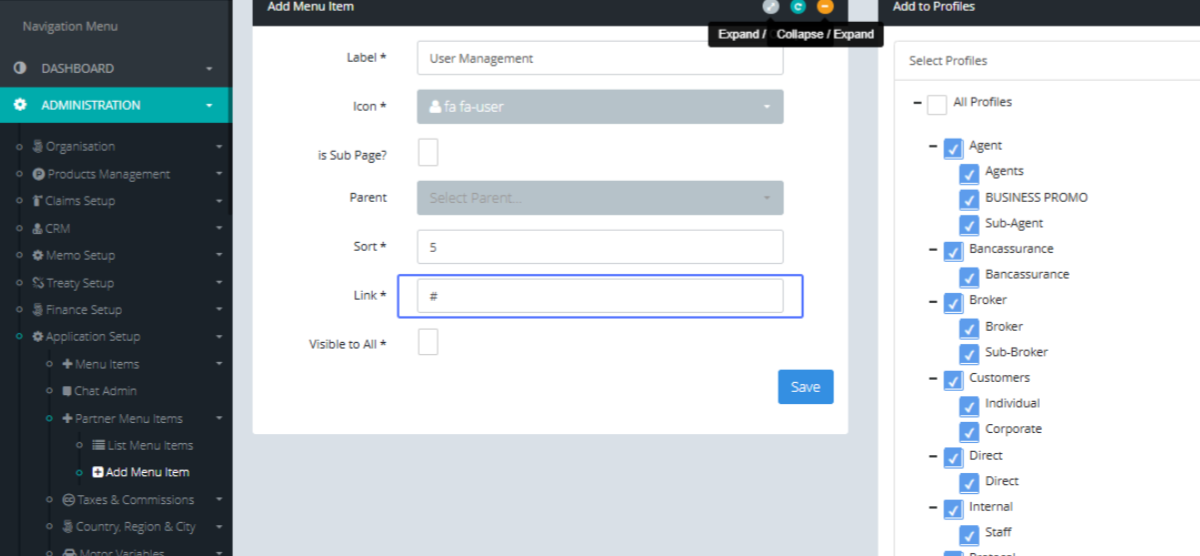
Click here
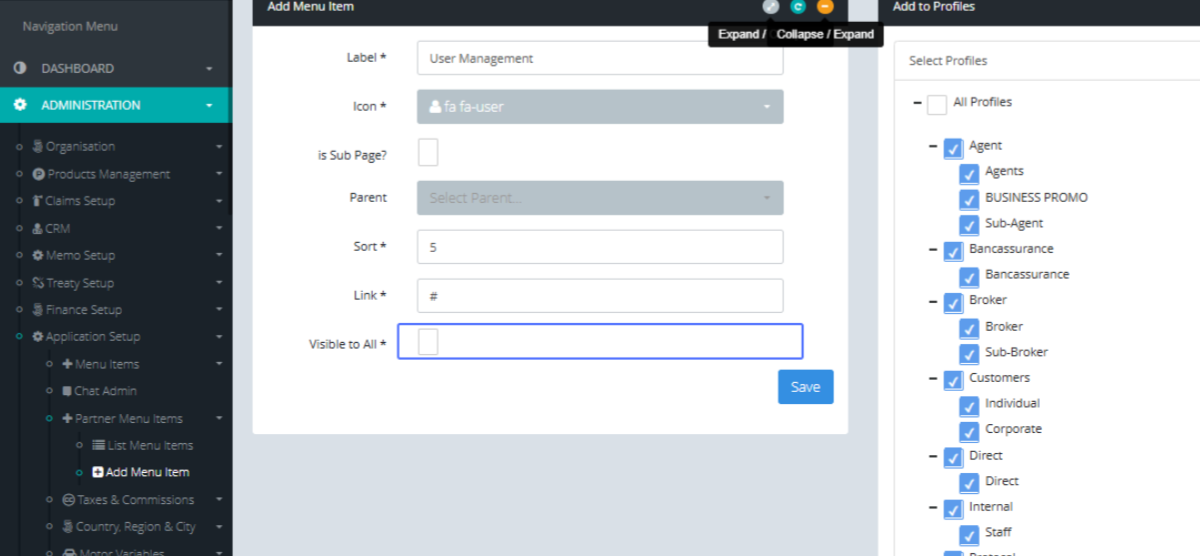
Click here
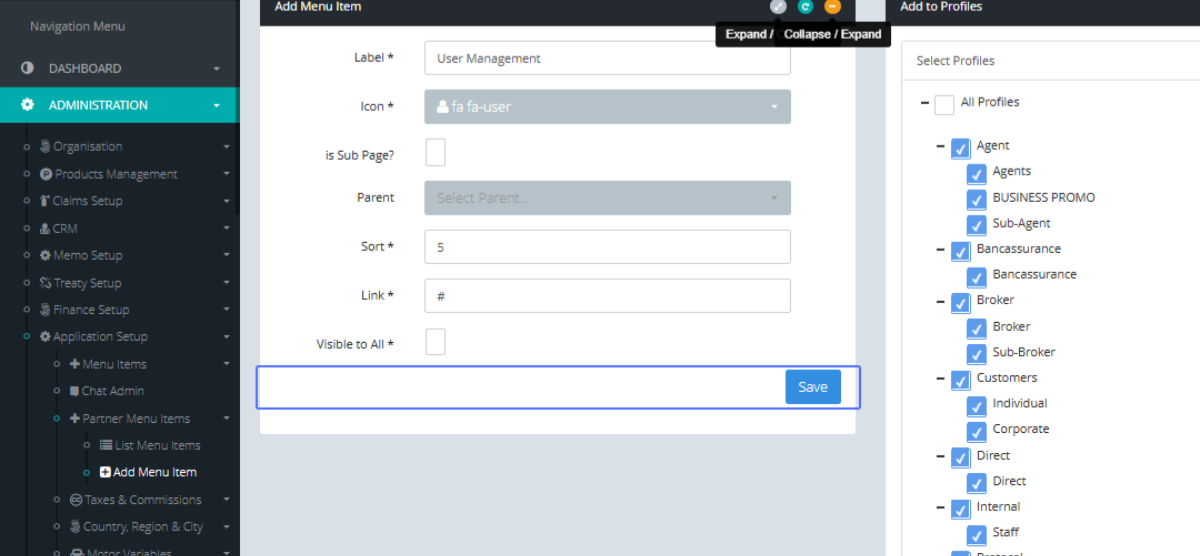
Click on "Select Profiles All Profiles Agent Agents BUSINESS PROMO Sub-Agent Bancassurance Bancassurance Broke..."